ONLYOFFICE
Your Office suite documents within your e-learning platform

Work on documents directly within your e-learning platform
Create, edit and share documents without interrupting the learning experience.
With ONLYOFFICE, you can integrate productivity and collaboration tools into your e-learning environment, providing teachers and learners with a simple, shared space where they can work on content.
Discover the benefits of integrating ONLYOFFICE
Everything you need, without leaving the platform
Integrating everyday productivity tools into your learning environment makes the experience smoother and more immediate.
With ONLYOFFICE, documents, spreadsheets, presentations, forms and PDFs can be managed directly within the e-learning platform, supporting individual and collaborative activities without switching between different tools and steps.

Documents
Create and edit your documents online.

Spreadsheets
Work with data and tables directly online.

Presentations
Create and update learning materials.

PDFs and forms
Manage documents and fillable forms.
Documents that become part of the learning experience
Documents are no longer simply files to download and upload, but can become an integral part of online learning activities.
Teachers and learners can work on content directly within the learning environment, using documents for individual activities, exercises and collaborative work.
1
Open
Access the document from within the learning environment.
2
Work
Edit and collaborate online.
3
Share
Share content and activities without leaving the learning environment.
More ways to work, one single environment
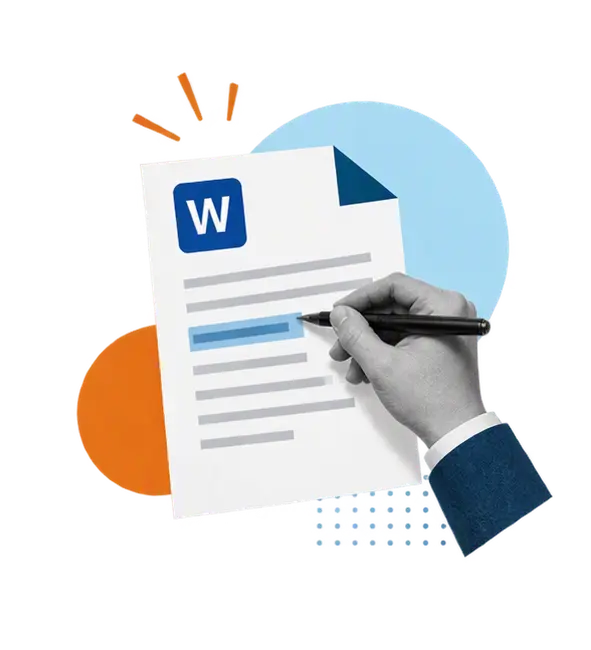
Edit online
Work on documents, spreadsheets and presentations directly from your browser.

Collaborate
Share documents and enable multiple users to contribute to the same content.
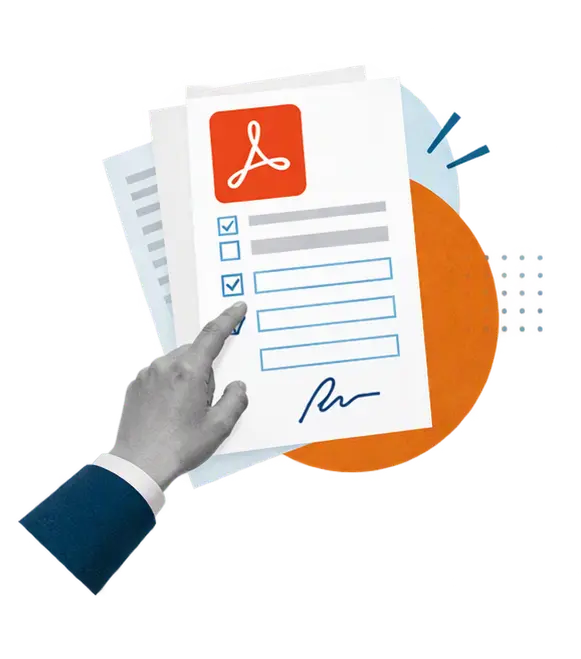
Fill in forms
Create and use fillable PDF forms directly online.
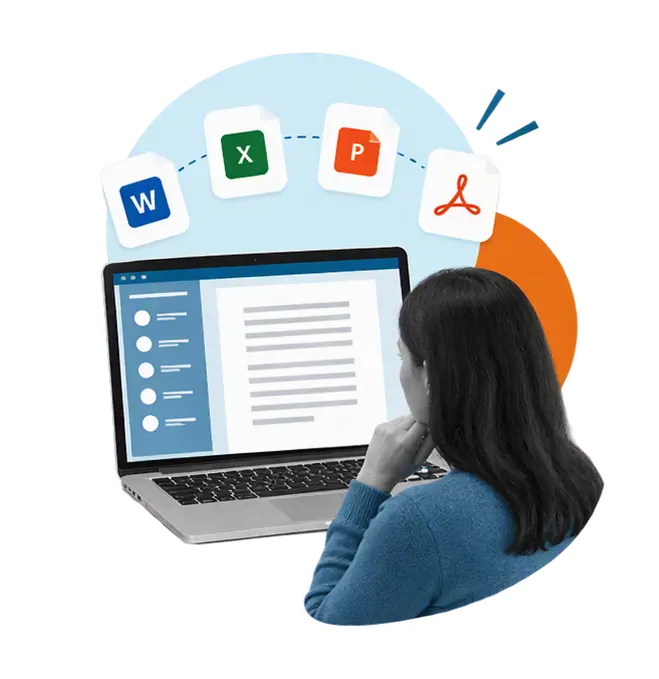
Access content
View and update learning materials seamlessly, without switching between different platforms, downloads or external applications.
From simple access to collaboration
Without ONLYOFFICE
- 1. Download the file from the learning environment
- 2. Open the document
- 3. Edit the document
- 4. Save the file
- 5. Upload the file back to the learning environment
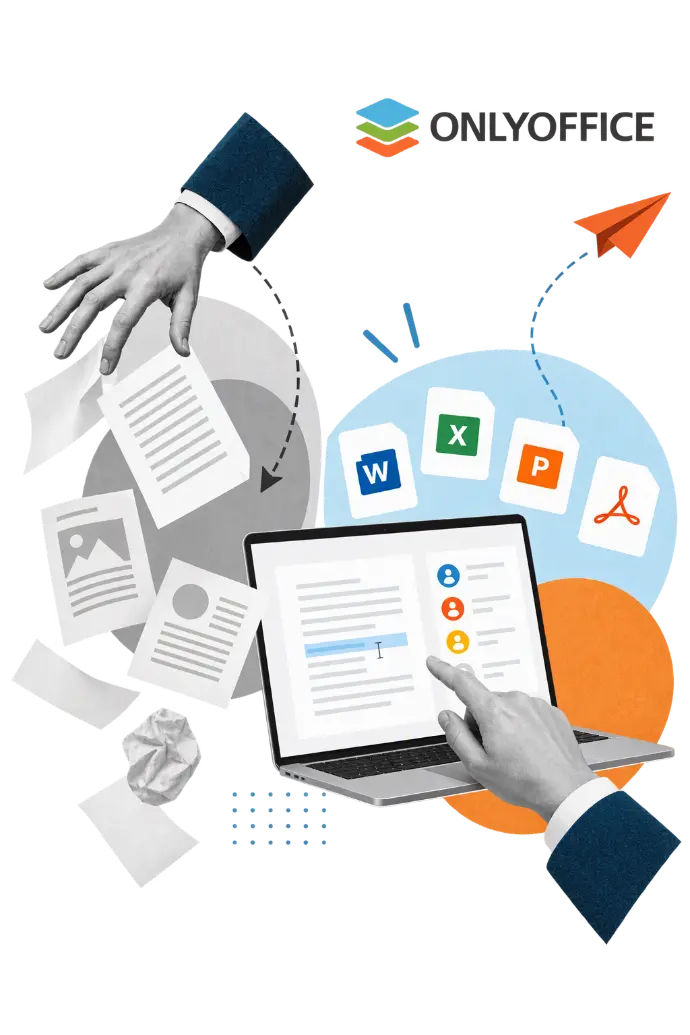
With ONLYOFFICE
- 1. Open
- 2. Edit
- 3. Collaborate
- All directly within the learning environment.
Practical support for learning activities

Individual activities
Provide documents and materials that learners can work on directly online.

Learning materials
Make documents, presentations, spreadsheets and PDFs an integral part of learning activities.

Collaborative activities
Create experiences where multiple participants can contribute to building and reviewing content.
Want to integrate productivity and collaboration tools into your e-learning platform?
We can help you integrate ONLYOFFICE into your e-learning ecosystem, configuring the solution according to your organisation’s needs and learning project.